What are the different hot water settings and how do I change them?
On the Dashboard, the mode your hot water is set at can be easily seen as either ‘Eco’ or ‘Comfort’. Touch the Hot Water panel and select ‘Comfort’ or ‘Eco’ from the next screen.
Combi Boilers
System Boilers
Heat Only Boilers
Electric Boilers
Heat pumps
Repairs
Servicing
Warranty

User guides
Corporate Social Responsibilites
On the Dashboard, the mode your hot water is set at can be easily seen as either ‘Eco’ or ‘Comfort’. Touch the Hot Water panel and select ‘Comfort’ or ‘Eco’ from the next screen.
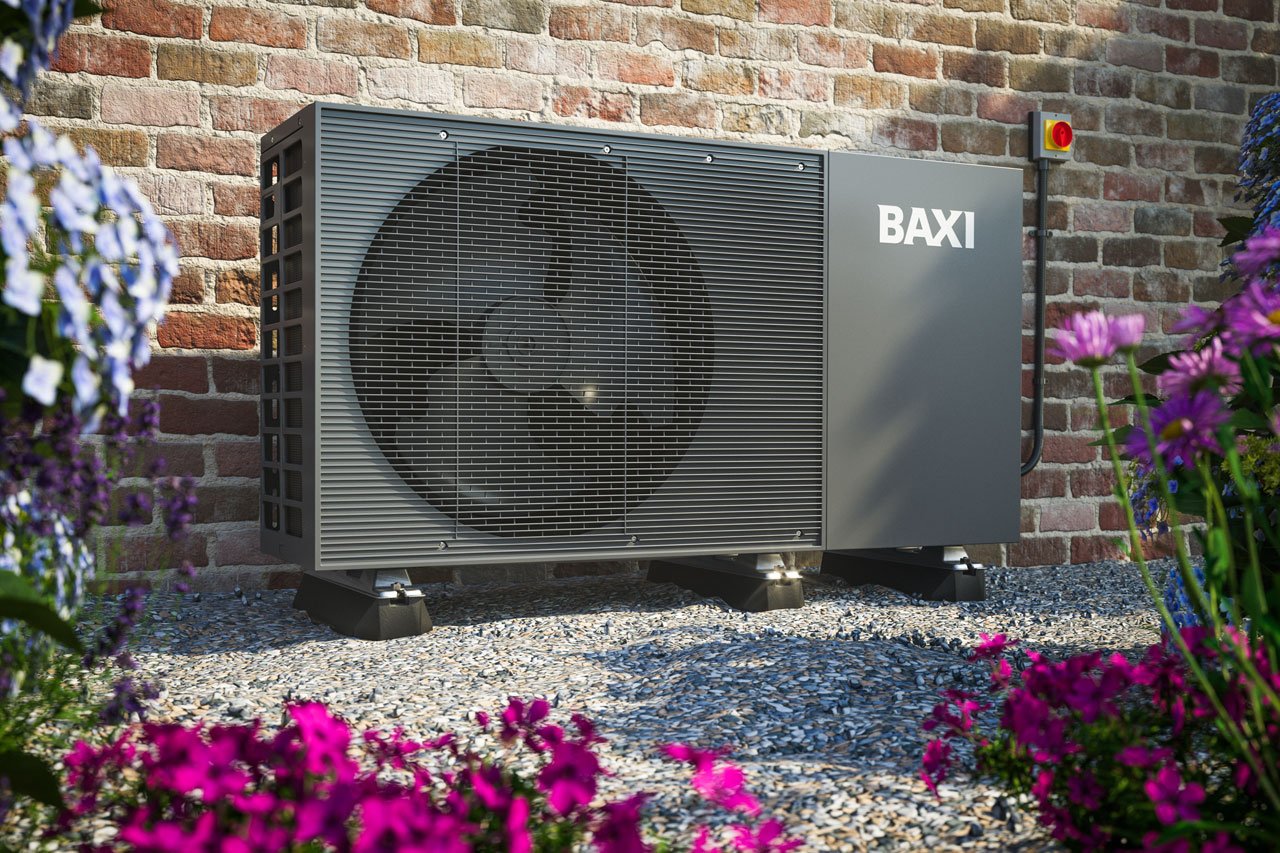
You can change your hot water settings through the Hot Water panel on your Baxi unit.
All the information on your old uSense app should be migrated automatically to your new My Baxi app.
Holiday mode can be accessed from the More menu in your My Baxi app.
Connect the My Baxi app to Alexa by enabling the My Baxi Skill from the Alexa store.