Using smart controls for summer comfort
Despite warm weather during the summer months, we recommend that you keep your heating system active to prevent issues later in the year, as well as ensuring that you have hot water.
By choosing certain settings on your heating controls, you can stay comfortable and ensure that your heating system remains in good condition.
We'll look at:
Using holiday mode for when you’re away
How to use controls for hot water only
Important temperatures to have in mind
Baxi smart controls
Using holiday mode when you’re away
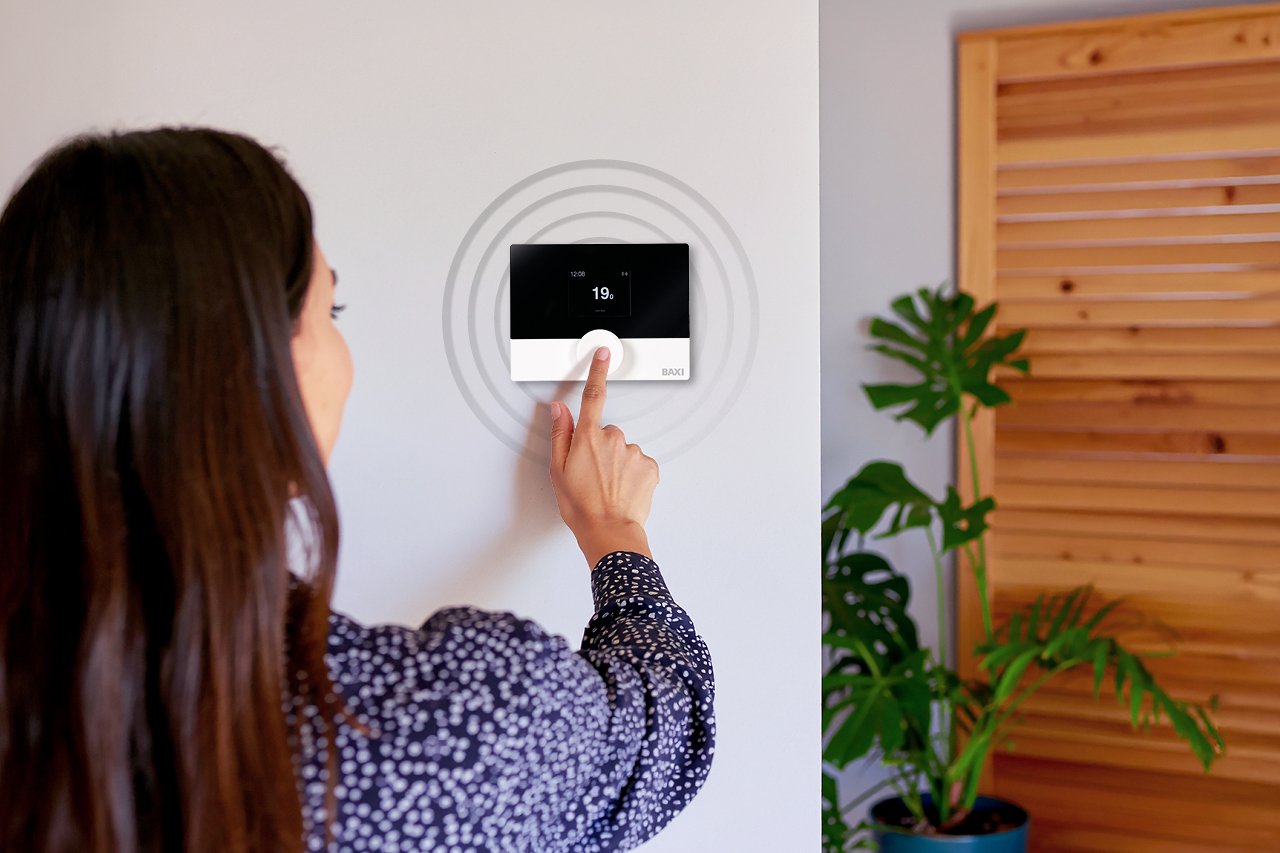
Baxi products, such as the AmbiZen smart thermostat, have a ‘holiday mode’ that you can access using the My Baxi app. This allows your heating system to run at an efficient lower anti-frost level to protect the home without actively turning on your heating when you don’t need it.
You can schedule holiday mode to start on a specific day and run for a specific period of time. This allows you to concentrate on enjoying your holiday without having to worry about your heating or hot water while you’re away.
To set up holiday mode, go to the More menu in your My Baxi app and select the ‘holiday mode’ option. Set your departure and return date and the system will take care of the rest by simply putting it into anti-frost mode.
Use controls for hot water only
Depending on the system you have and your appliance, you can turn the heating ‘off’ but still keep it active for hot water. This means you won’t waste energy heating your home when you don’t need to and still have water for showers and household tasks.