How to get started
Download the new My Baxi app from your usual app store and follow these simple instructions to migrate all your existing data onto the new app.
Download the new My Baxi app from your usual app store and follow these simple instructions to migrate all your existing data onto the new app.
Download the new My Baxi app.
Click on the correct thermostat for instructions – wired or wireless thermostat. Go to your uSense room thermostat and follow the instructions on the app.
If it’s the first time you have logged in using the new app you need to ‘Sign up now’.
Enter your email address and click ‘Send verification code’. Check your email for the code. If it hasn’t arrived in your in-box, check your spam file.
Enter the code you receive to verify your account, then you can set up your password. Check the box to agree to terms and conditions.

And you’re done! Your heating schedules will have all been migrated over and your new app is ready to use!

Combi Boilers
System Boilers
Heat Only Boilers
Electric Boilers
Heat pumps
Repairs
Servicing
Warranty

User guides
Corporate Social Responsibilites
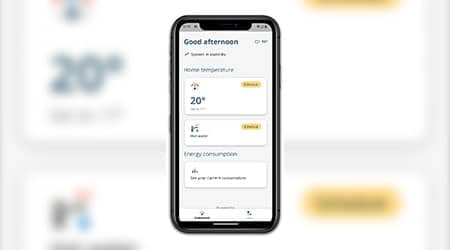
Check out the features of the new My Baxi app for the uSense smart room thermostat.

Find the answers to your ‘My Baxi’ app questions.
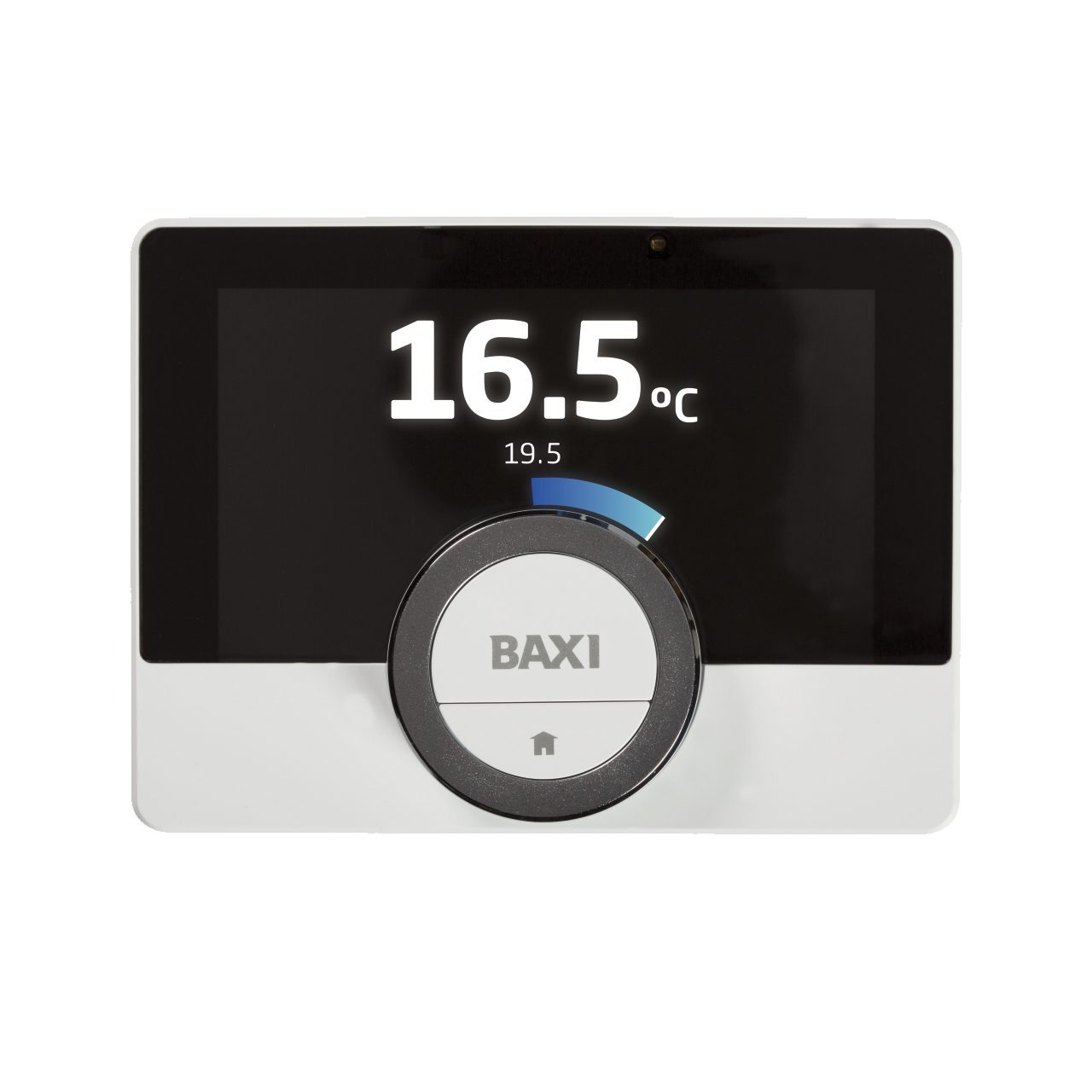
For more information and to download your uSense user guide.